No box required
- Crop plan
- Kinokora app
- You decide
Crop plans, daily tasks and a growing journal for mushroom, hydroponic and polyhouse growers. Supported hardware can add climate readings and equipment control.
Early access. Not in public stores. A request is stored only when the page shows a reference.
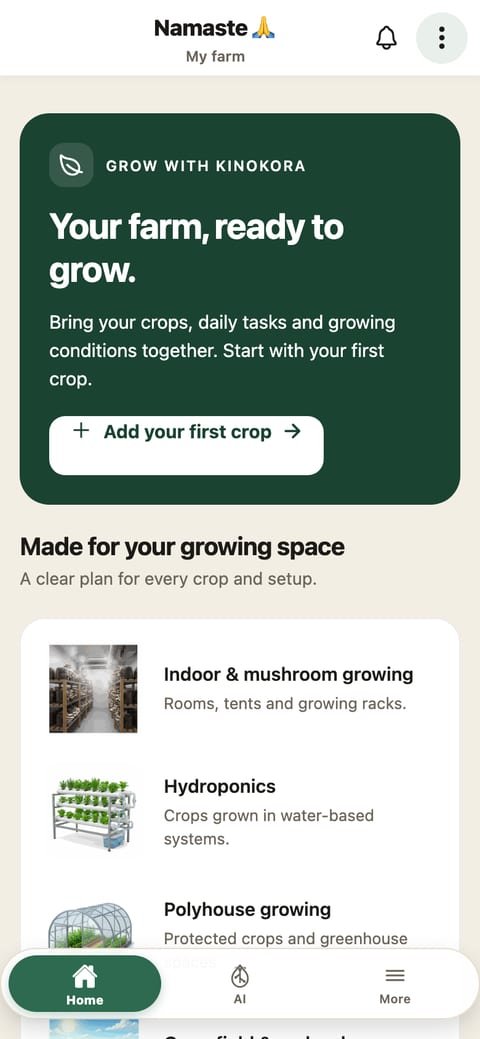
The app works by itself. Supported hardware adds measurements and equipment control.
A separate path: the controller can switch supported equipment.
Data flow is not the same as equipment control. A software check does not prove an installation.
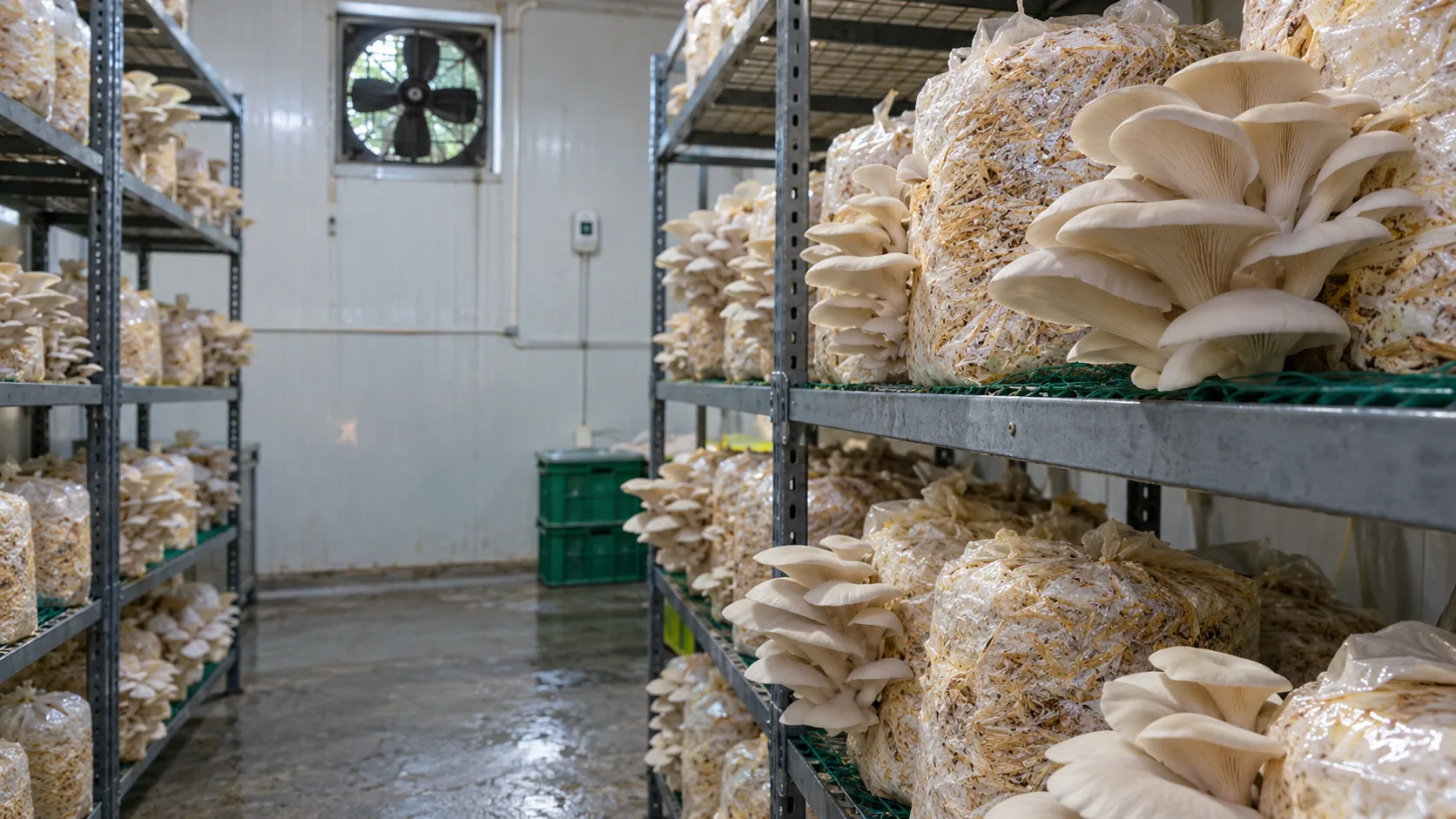
AI-generated representative growing environments · Not Kinokora customer installations.
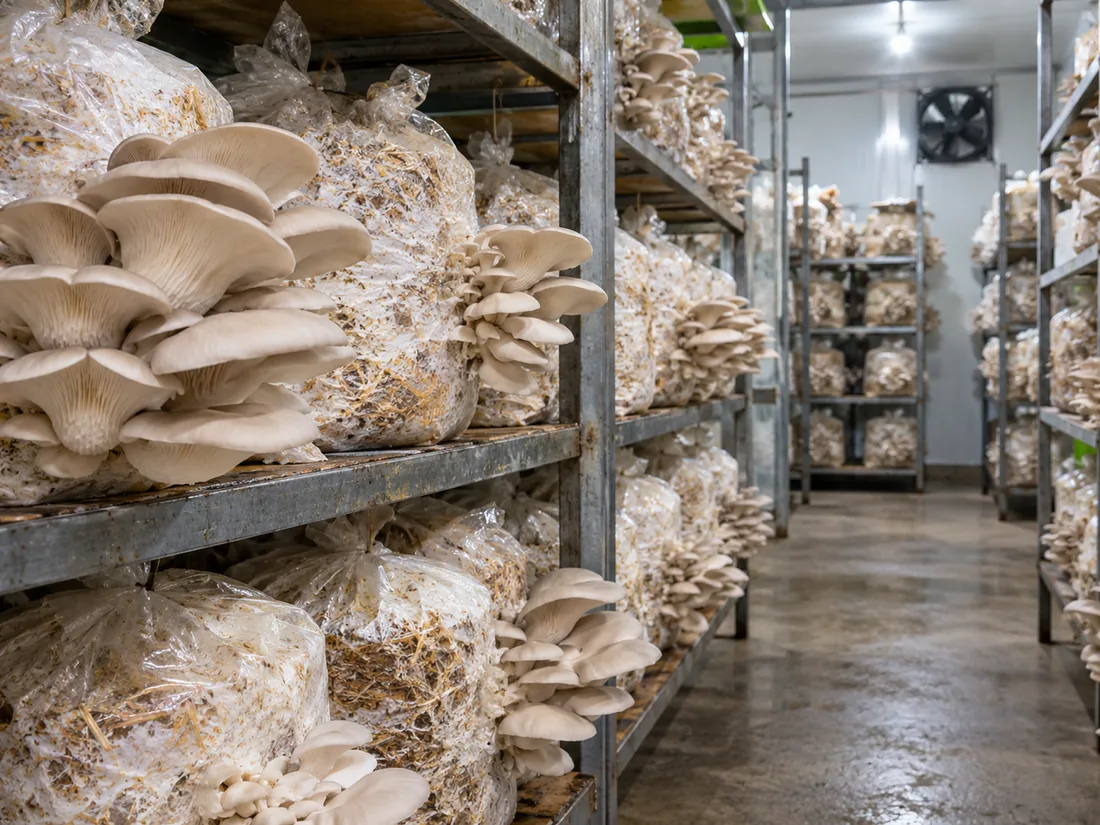
Humidity and fresh air need attention.
Representative growing space.
Open the guide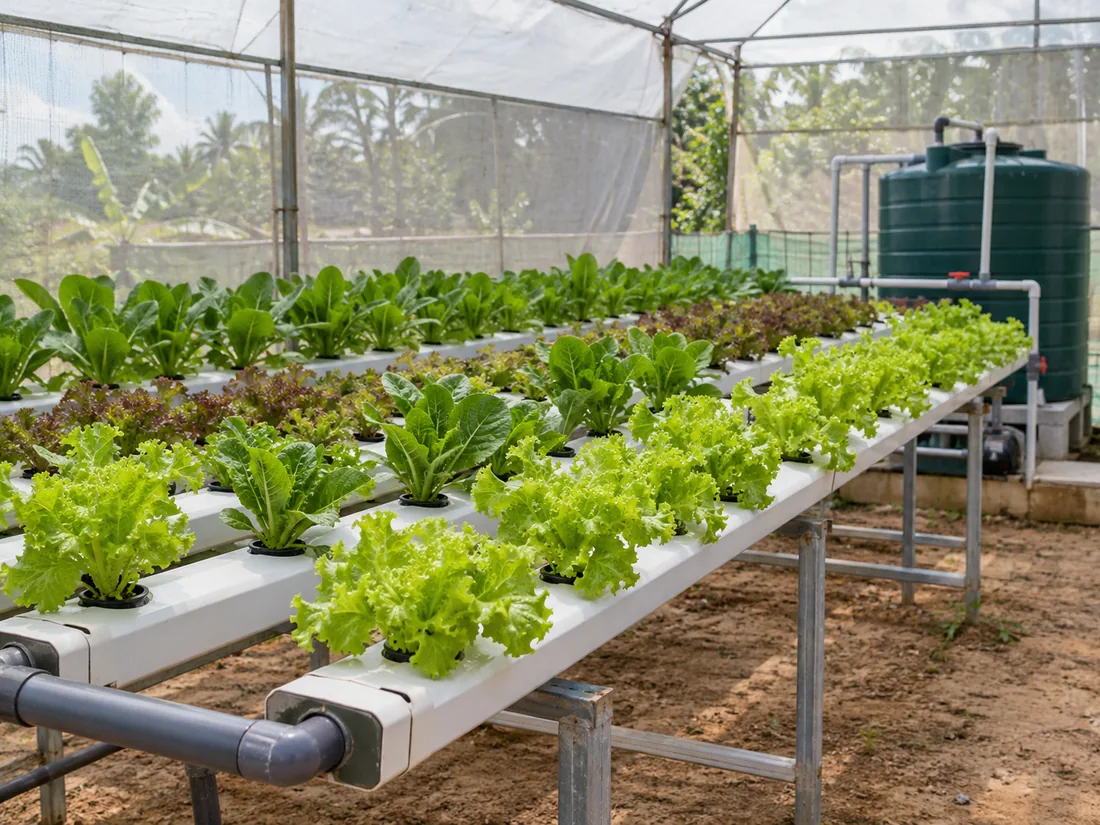
Water and nutrients need attention.
Representative growing space.
Open the guide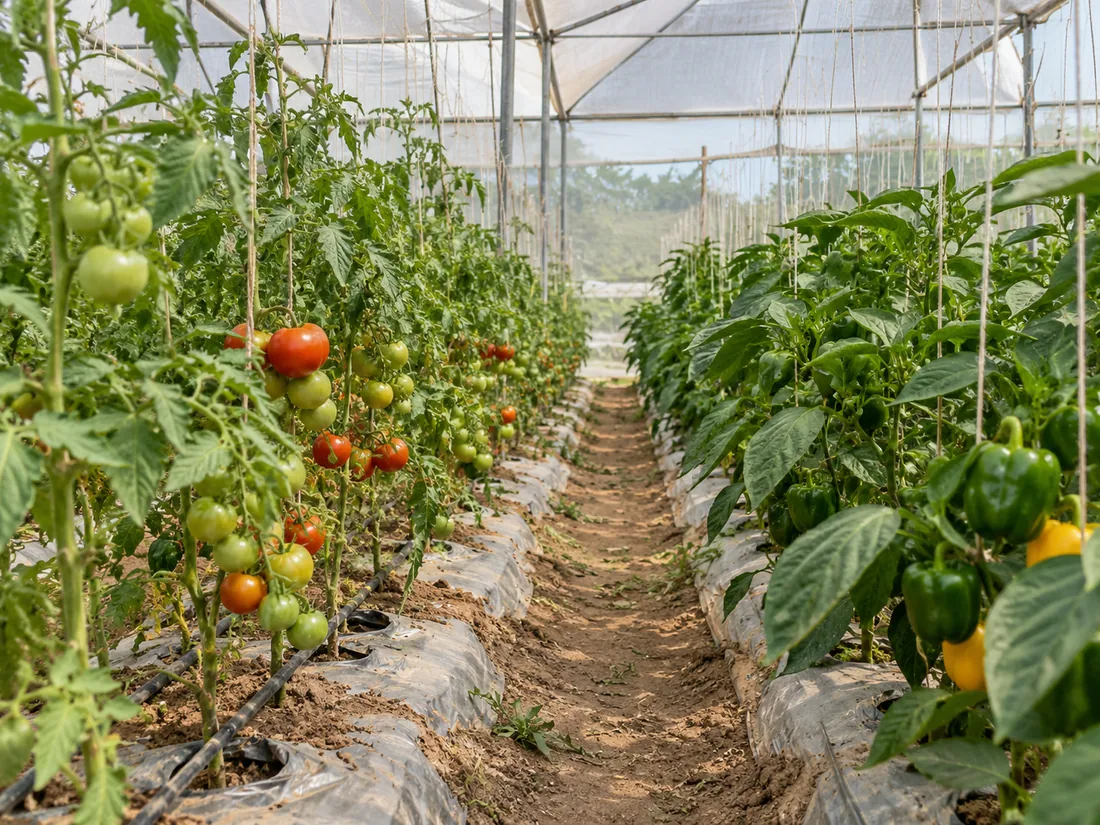
Temperature and ventilation need attention.
Representative growing space.
Open the guideThese are current app screens. They do not show a live farm.
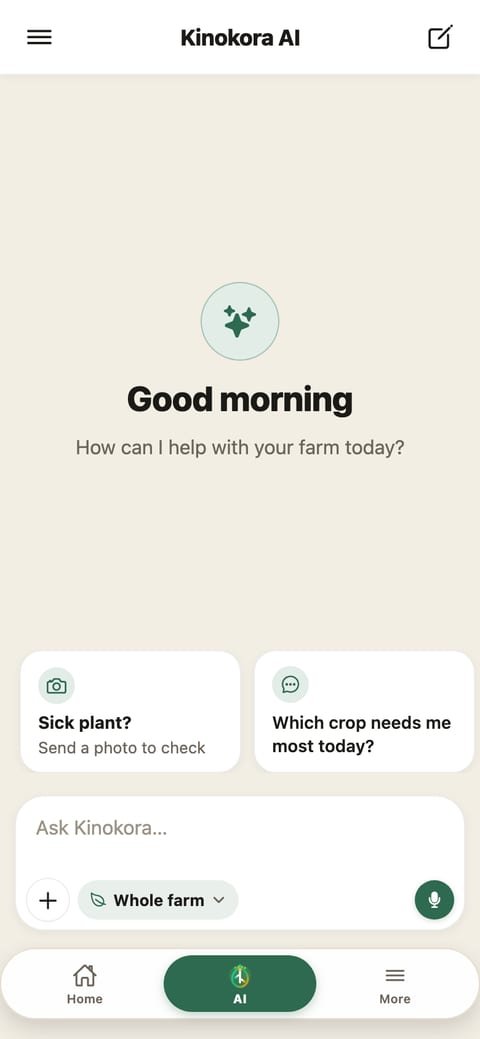
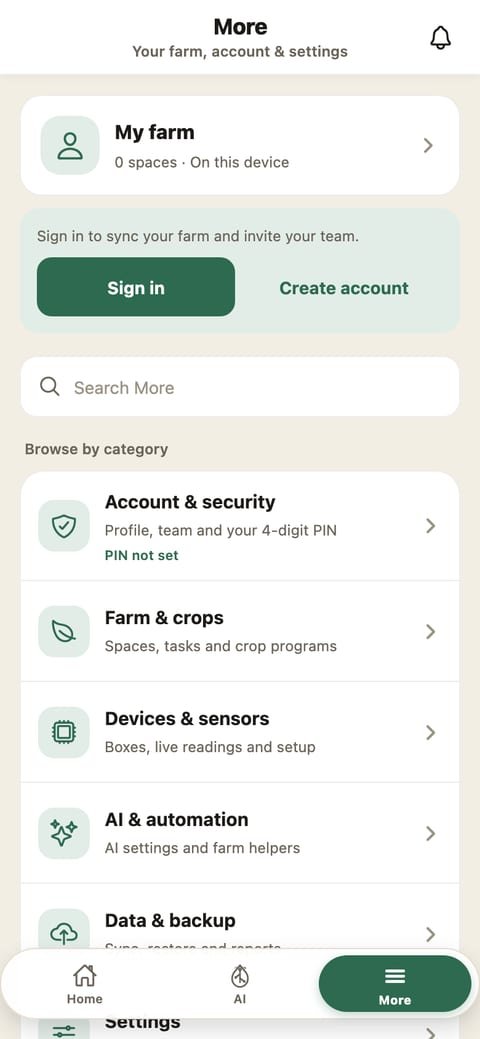
One status list. Detail lives on the App, Hardware and Learn pages.
Stages and tasks from the in-app library.
Daily work for a space, on the phone.
Conditions when a supported controller is connected.
Supported outputs switch equipment you connect.
The builder is in the app. Physical checks are still open.
Alarms away from the growing space are not available.
People planning a mushroom, hydroponic or polyhouse setup, whether as a hobby or a business. Field and orchard hardware is not part of this release.
No. You can add a space, choose a crop and keep tasks in the app alone. Sensors and equipment control need a supported Kinokora controller.
The phone needs a connection to sign in, sync, or ask the assistant. We do not claim that a connected box keeps running your crop when the internet is down.
Not from a public store. The screenshots are the current app preview. Join early access if you want to hear when a public build exists. This website does not take payment.
On the phone. If you sign in, account and farm data go to the Kinokora API at api.kinokora.com. That API runs on Google Cloud in Mumbai, India.
The early-access page asks for a way to reach you and the kind of setup. A request is saved only when the page shows a reference. A saved request does not reserve a kit or promise a reply.
Early access. Not in public stores. A request is stored only when the page shows a reference. The form does not take payment or reserve a kit.
Join early access